
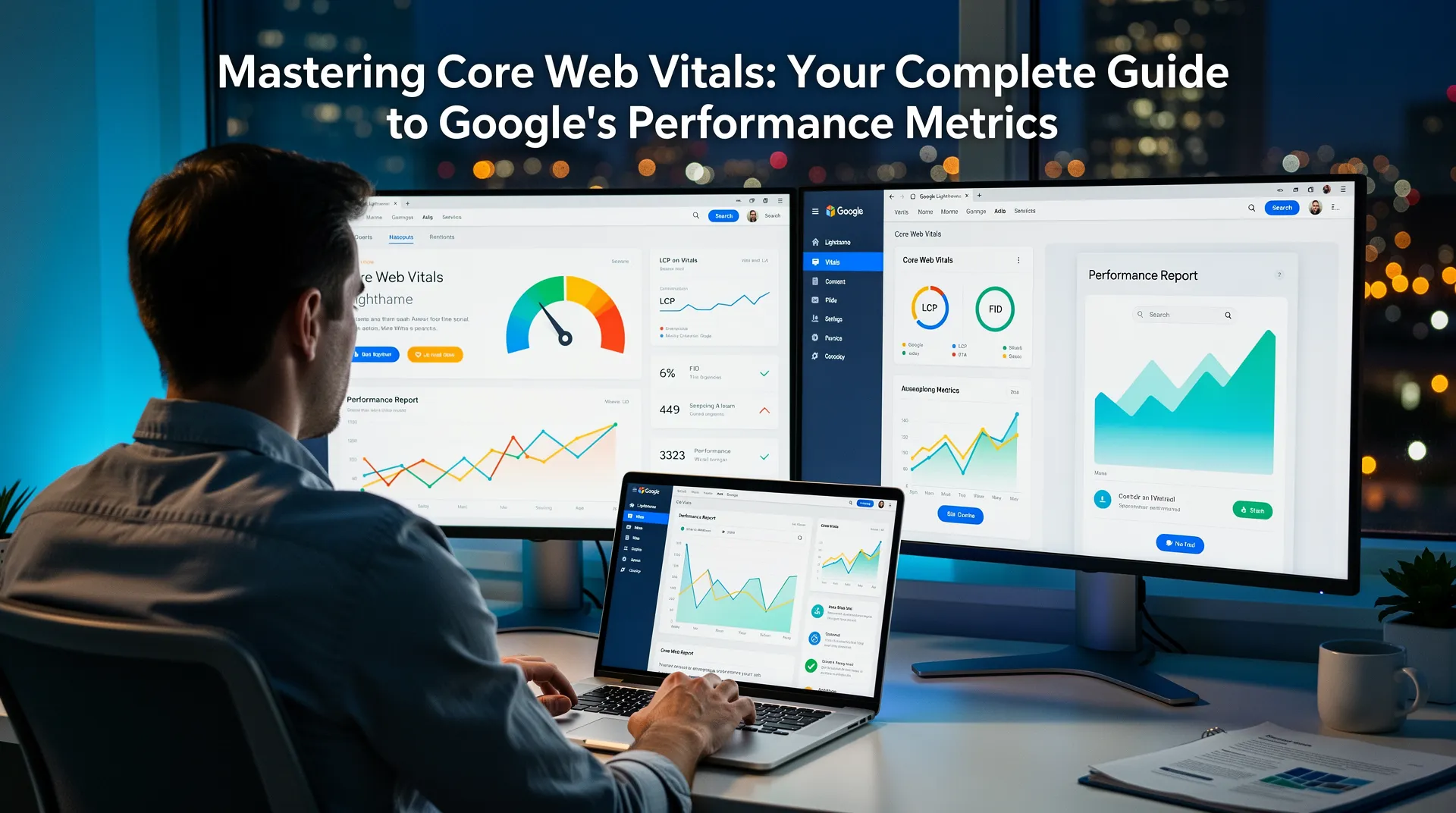
Understanding Core Web Vitals: The Foundation of Web Performance
Core Web Vitals represent Google’s most important metrics for measuring user experience on websites. These essential performance indicators have become crucial ranking factors that directly impact your site’s search engine visibility and user satisfaction. As digital experiences continue to evolve, understanding and optimizing these metrics has never been more critical for website success.
Introduced as part of Google’s page experience update, Core Web Vitals focus on three fundamental aspects of user experience: loading performance, interactivity, and visual stability. These metrics provide website owners with concrete data points to improve their site’s performance and deliver exceptional user experiences.
The Three Pillars of Core Web Vitals
Largest Contentful Paint (LCP) – Loading Performance
Largest Contentful Paint measures how quickly the main content of a page loads and becomes visible to users. This metric specifically tracks the rendering time of the largest image, text block, or video element within the viewport. A good LCP score should be 2.5 seconds or less from when the page first starts loading.
Common elements that LCP typically measures include hero images, banner graphics, large text blocks, and video thumbnails. To optimize LCP, focus on improving server response times, eliminating render-blocking resources, and optimizing images through compression and modern formats like WebP.
First Input Delay (FID) – Interactivity Measurement
First Input Delay quantifies the responsiveness of your website by measuring the time between a user’s first interaction with your page and when the browser can actually respond to that interaction. This could include clicking a button, tapping a link, or entering text in a form field.
An excellent FID score is less than 100 milliseconds, while anything above 300 milliseconds needs improvement. To enhance FID, minimize JavaScript execution time, break up long-running tasks, and use web workers for heavy computational processes that might block the main thread.
Cumulative Layout Shift (CLS) – Visual Stability
Cumulative Layout Shift measures the visual stability of your webpage by quantifying unexpected layout shifts that occur during the loading process. These shifts happen when page elements move around as additional content loads, creating a frustrating user experience.
A good CLS score should be less than 0.1. Common causes of poor CLS include images without dimensions, dynamically injected content, web fonts causing text flash, and advertisements that push content around as they load.
Why Core Web Vitals Matter for SEO
Google has officially incorporated Core Web Vitals into its ranking algorithm as part of the page experience signals. This means that websites with better Core Web Vitals scores have a competitive advantage in search results, particularly when competing against pages with similar content quality and relevance.
Beyond SEO benefits, optimizing Core Web Vitals directly correlates with improved user engagement metrics. Faster-loading pages with better interactivity and visual stability typically see higher conversion rates, lower bounce rates, and increased user satisfaction scores.
Essential Tools for Measuring Core Web Vitals
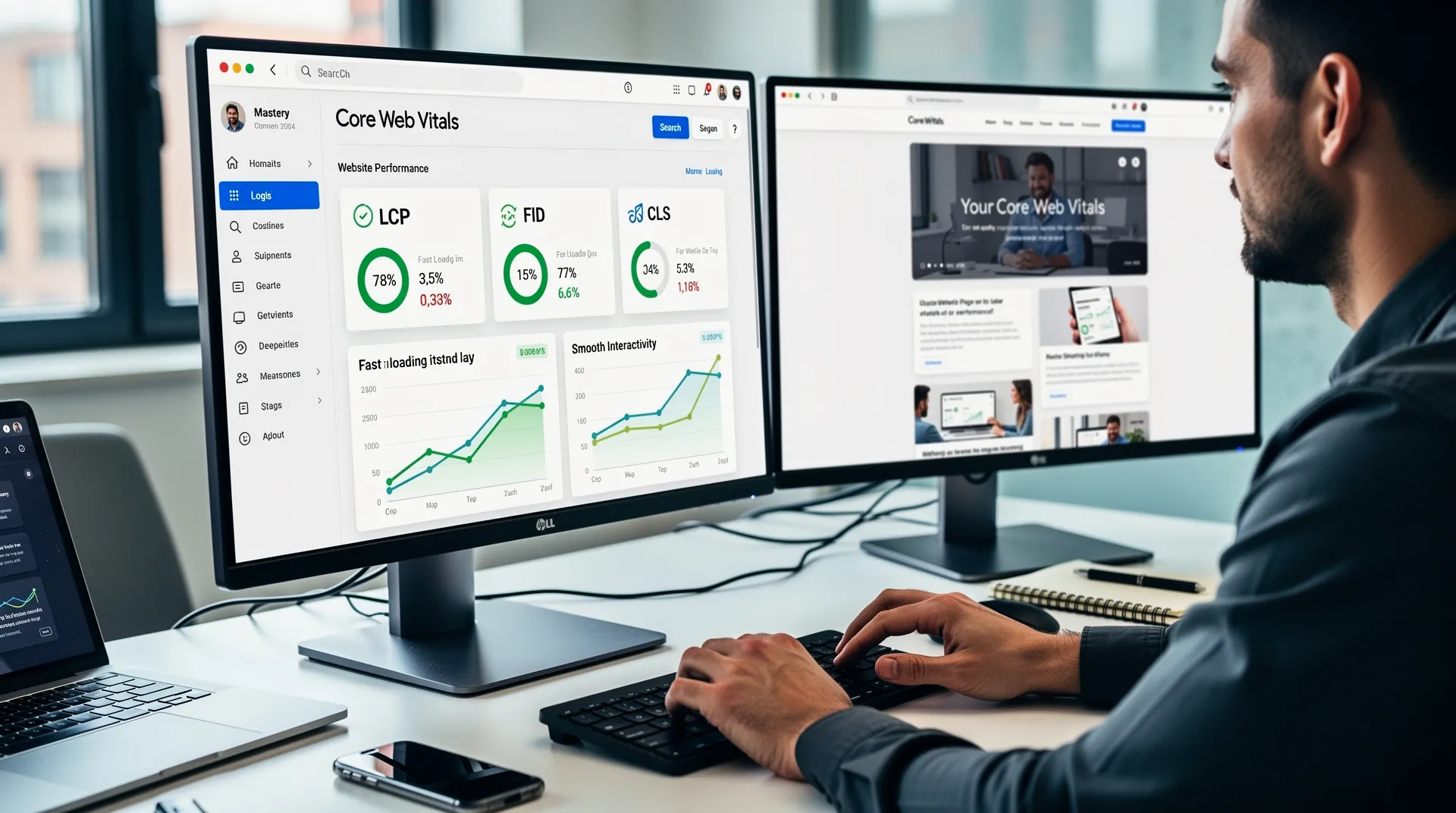
Several powerful tools can help you monitor and analyze your Core Web Vitals performance:
- Google PageSpeed Insights: Provides comprehensive analysis with both lab and field data, along with specific optimization recommendations.
- Google Search Console: Offers real-world user data from actual visitors to your site, grouped by mobile and desktop experiences.
- Chrome DevTools: Enables detailed performance analysis and debugging capabilities for developers.
- Web Vitals Chrome Extension: Displays real-time Core Web Vitals metrics as you browse your website.
- Lighthouse: Comprehensive auditing tool that provides actionable insights for improving web performance.
Proven Strategies to Improve Core Web Vitals
Optimizing Largest Contentful Paint
Enhance your LCP scores by implementing these proven techniques:
- Optimize server response times through better hosting solutions and content delivery networks
- Remove unused CSS and JavaScript that block rendering
- Implement lazy loading for images and videos below the fold
- Preload critical resources like fonts and above-the-fold images
- Use modern image formats and implement responsive images with appropriate sizing
Improving First Input Delay
Boost interactivity with these FID optimization methods:
- Minimize and defer non-essential JavaScript
- Code splitting to reduce initial JavaScript bundle sizes
- Use browser caching effectively to reduce resource loading times
- Optimize third-party scripts and load them asynchronously when possible
- Implement service workers for better resource management
Reducing Cumulative Layout Shift
Achieve better visual stability through:
- Always include width and height attributes for images and videos
- Reserve space for dynamic content and advertisements
- Avoid inserting content above existing content unless in response to user interaction
- Use CSS transforms for animations instead of properties that trigger layout changes
- Implement font display strategies to prevent invisible text during font loads
Monitoring and Maintaining Performance
Continuous monitoring is essential for maintaining optimal Core Web Vitals scores. Establish regular performance audits, set up automated monitoring systems, and create performance budgets to prevent regression. Remember that Core Web Vitals should be measured based on real user data whenever possible, as lab data may not always reflect actual user experiences.
As you implement improvements, focus on the metrics that will have the most significant impact on your specific website and audience. Prioritize fixes based on the pages that receive the most traffic and have the greatest business impact.

No comments yet — be the first