Hi, guys.
Ready to go with your LCP and CLS errors and warnings (Google Core Web Vitals).
I have finished 5 projects like this in the last 3 months. Usually, the problem is with CSS or Javascript.
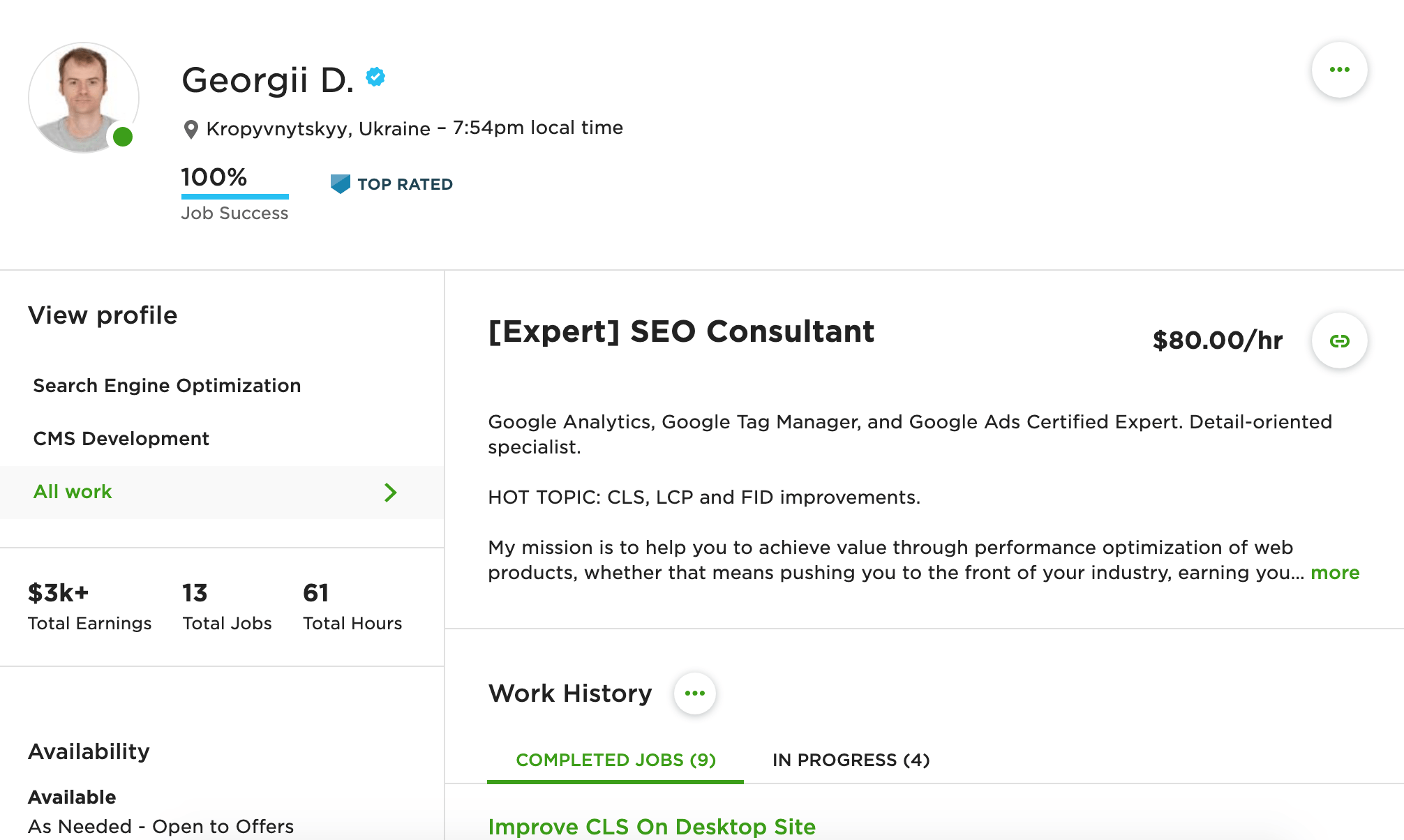
Please, see my profile I have a job right now for improving LCP and CLS – Upwork profile.
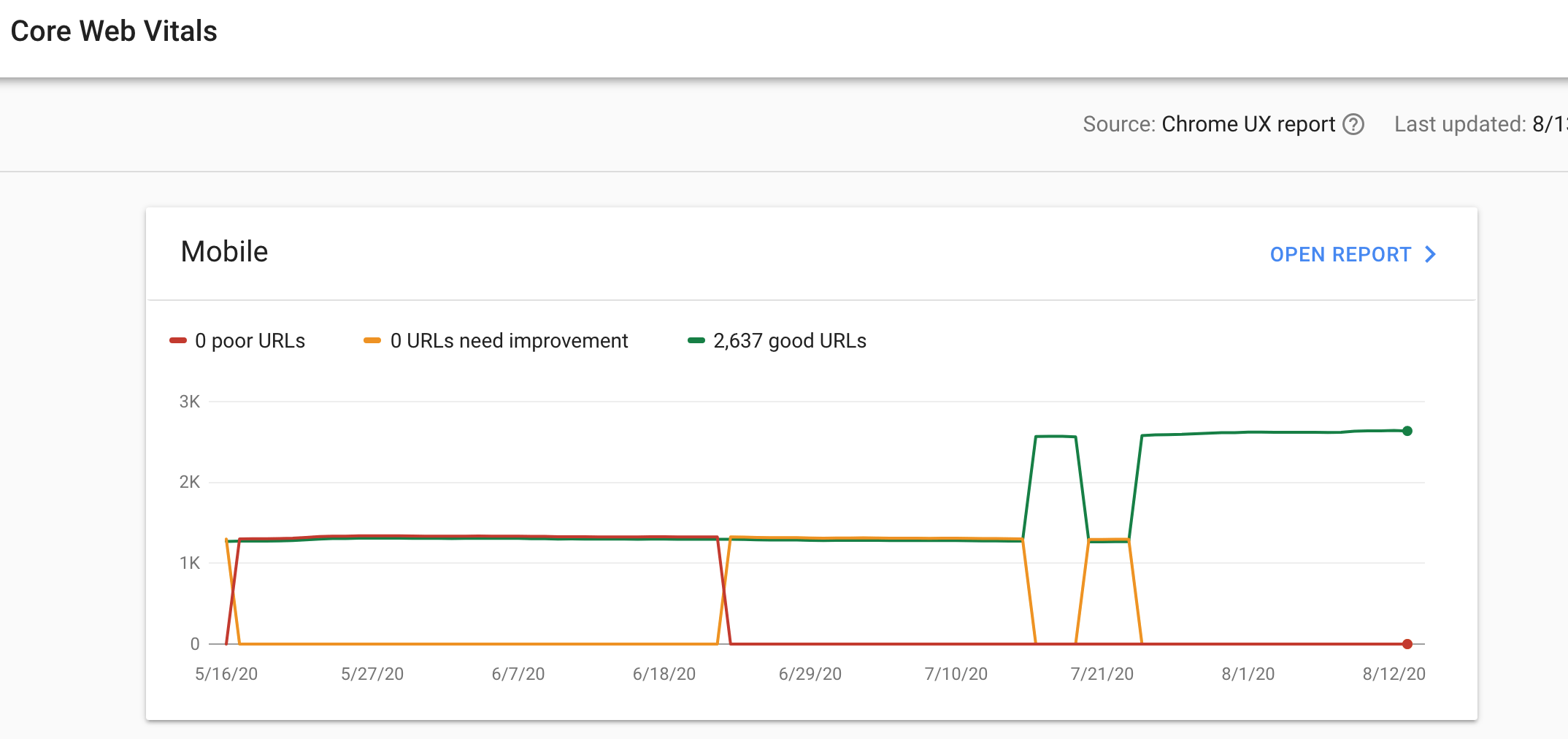
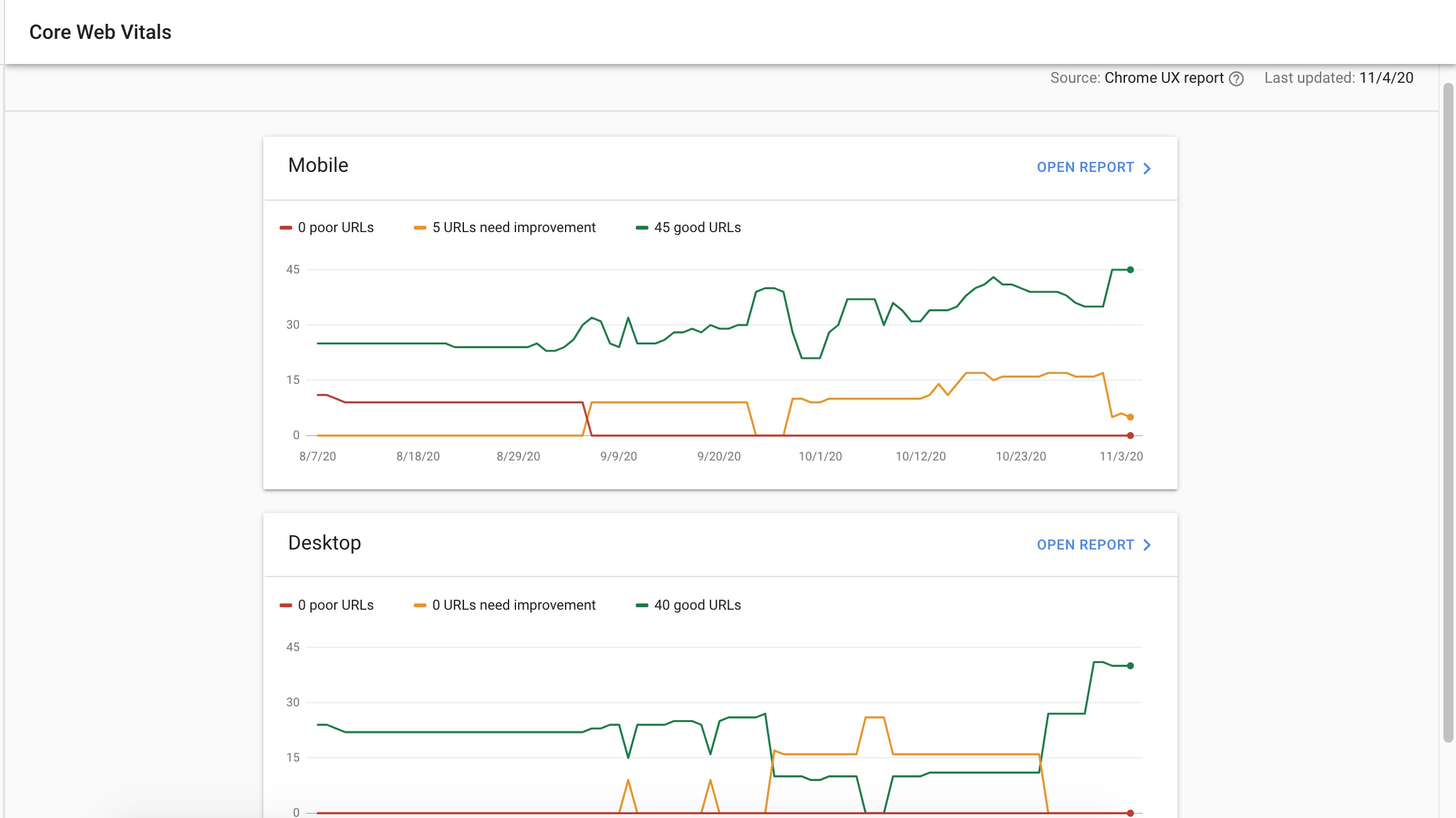
See the last improvement of the client`s GWT.
Web Vitals Case #1 (Worpdress)
Web Vitals Case #2 (Non-Wordpress)
What LCP and CLS measure
Largest Contentful Paint (LCP) shows how long it takes for the largest visible element, usually a hero image or a headline, to appear on screen. Google considers 2.5 seconds or less a good result. Cumulative Layout Shift (CLS) measures how much the page jumps around while it loads, and a score of 0.1 or less is good. Both are part of Core Web Vitals, together with Interaction to Next Paint (INP), which replaced First Input Delay (FID) in March 2024.
How to improve LCP
- Compress the main image and serve it in a modern format such as WebP or AVIF.
- Don’t lazy-load the LCP image, and preload it so the browser fetches it early.
- Reduce server response time with caching, a faster host, or a CDN.
- Remove or defer CSS and JavaScript that block rendering, such as unused plugin scripts.
How to improve CLS
- Set width and height attributes on every image and video, so the browser reserves space before they load.
- Reserve fixed space for ads, embeds, and banners.
- Preload web fonts and use font-display: swap or optional to limit text jumps.
- Don’t insert new content above content the reader is already looking at.
How to improve INP
INP measures how quickly the page responds when someone clicks, taps, or types. A good result is 200 milliseconds or less.
- Break up long JavaScript tasks so the browser can respond to input between them.
- Remove or delay third-party scripts, such as chat widgets and trackers, that the page doesn’t need right away.
- Keep the page’s HTML lean, since very large pages take longer to update after each interaction.
- Show visual feedback right after a click, even if the full result takes a moment longer.
Check single pages in PageSpeed Insights and the whole site in the Core Web Vitals report in Google Search Console. Search Console uses data from real visitors collected over 28 days, so it takes a few weeks for improvements to show there.
My profile on Upwork